01
Convert
A font in the format you need. OpenType PS, OpenType TT or web font, without touching the original.
→
TypeSteward converts formats, repairs families and transfers kerning or metrics. It shows the plan before writing, preserves every original and verifies each result.
Free until 21 November 2026. Seven days of every editing feature from activation, no purchase. Feedback or problems? Write to hello@typesteward.app.
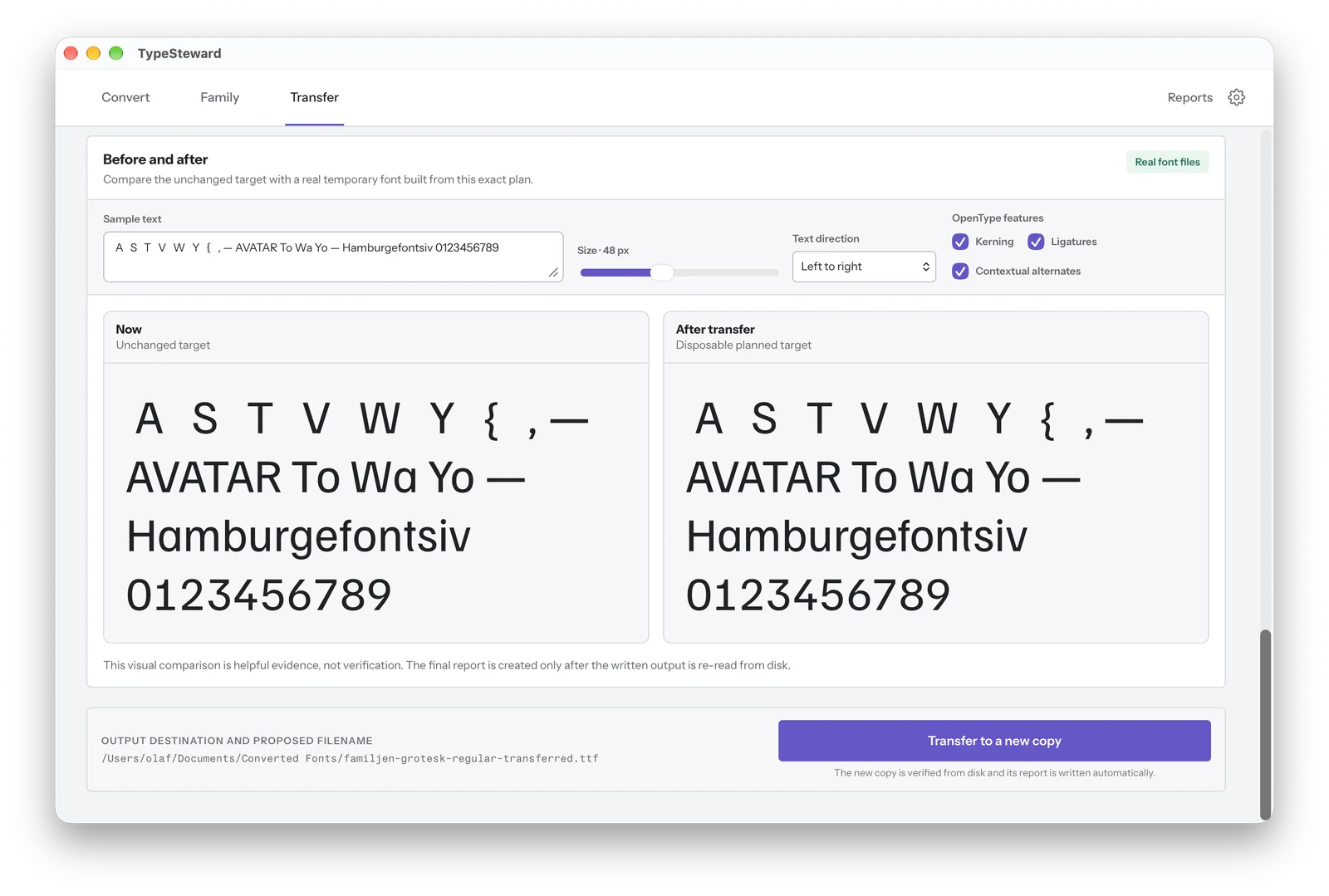
Before · After
The preview builds a temporary font from your exact plan. The final report is created only after the written file is read back from disk.
Font processing stays on your Mac. Outputs are new files and are re-read from disk for verification.
A font in the format you need. OpenType PS, OpenType TT or web font, without touching the original.
Related styles together in font menus. Family and style names are repaired before any new files are written.
Selected data in a new target copy. Kerning and metrics move from one font into a copy of another.
Legacy libraries too
Since January 2023, Adobe apps such as InDesign and Illustrator no longer support PostScript Type 1 fonts. Many archives still hold them. TypeSteward reads them and writes OTF or TTF files that current apps open again.
If AFM or PFM files exist, include them. Only then can TypeSteward carry over the kerning.
New in beta 0.1.20
Pick individual glyphs or take the characters from a sample text. TypeSteward exports a smaller font as OTF, TTF, WOFF or WOFF2.
Also fixed: Unicode mappings are no longer lost when subsetting.
Transfer shows how spacing changes before anything is written. Here Familjen Grotesk, once without and once with kerning. The grey outline shows the position without kerning.
Four files that show up in the font menu as four separate families become one family with four styles. The originals stay as they are.
From the chosen format to the verified result. The interface is currently in English.
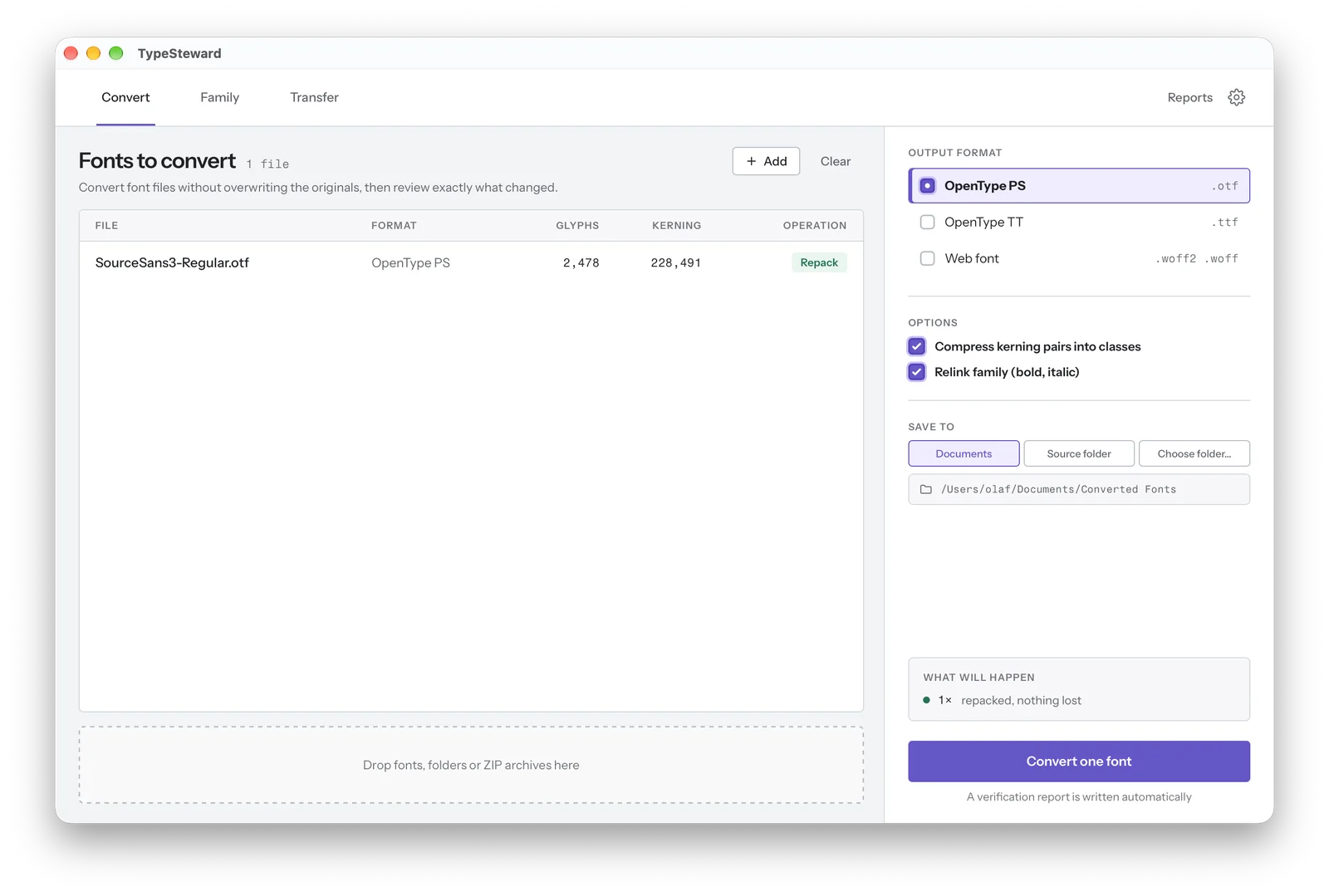
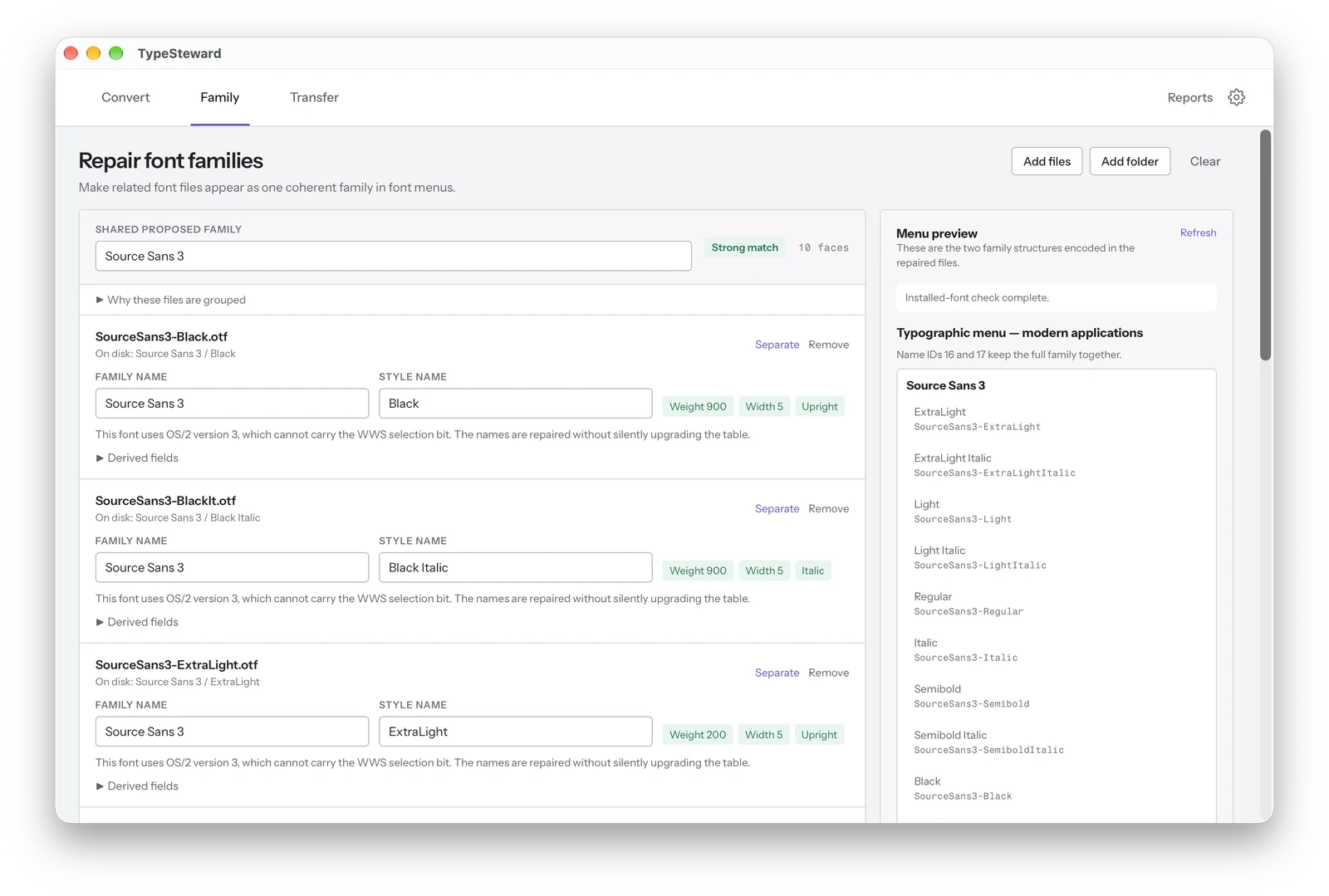
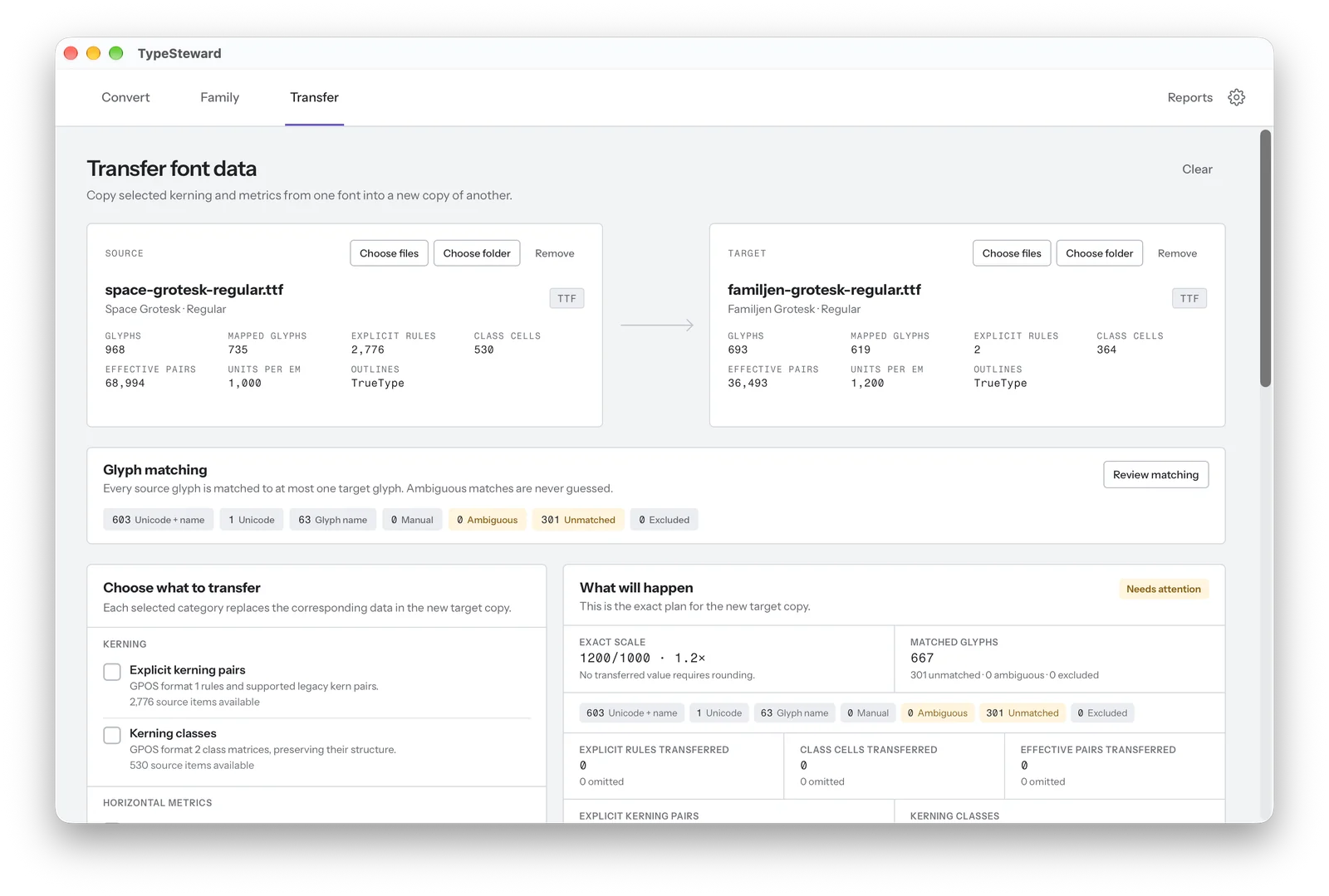
See the plan before writing and the result afterwards. Keep your source files and check what was preserved, changed or could not be carried over.
Your font files stay on your Mac. After the explicit online trial activation, font processing works offline.
Every result is written as a new file. Convert formats, repair family names or transfer selected data without replacing your source fonts.
Every operation leaves a verification report. Read the changes and limitations before using beta outputs in your projects.
Roadmap
The roadmap shows our current direction. Order and scope may change based on feedback from real-world use.
Simpler conversion and family repair for the quick route. Now included in the beta.
Select individual glyphs or the characters of a sample text and export a smaller font as OTF, TTF, WOFF or WOFF2. With a verification report.
Interface and reports in German. Switch the language directly in the app.
Add missing glyphs from another font or replace selected glyphs, with a precise overview of every change.
Ideas and requests are welcome. Write to hello@typesteward.app.